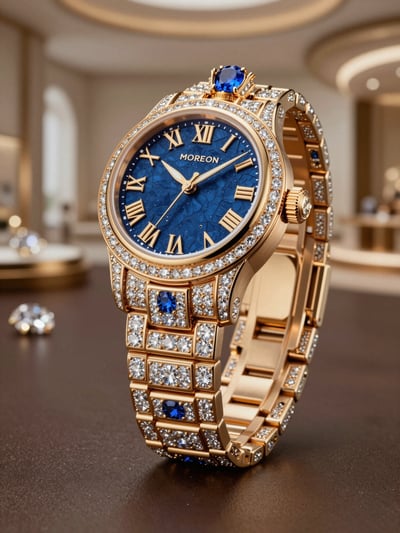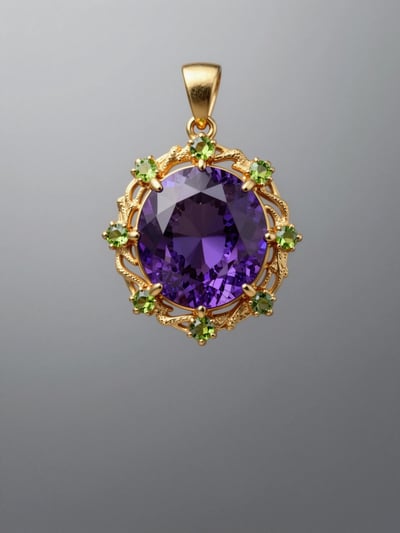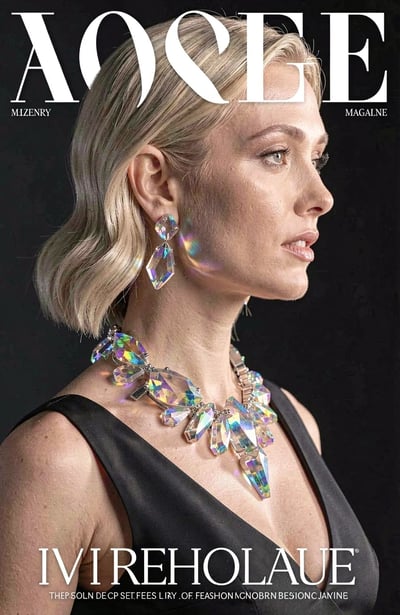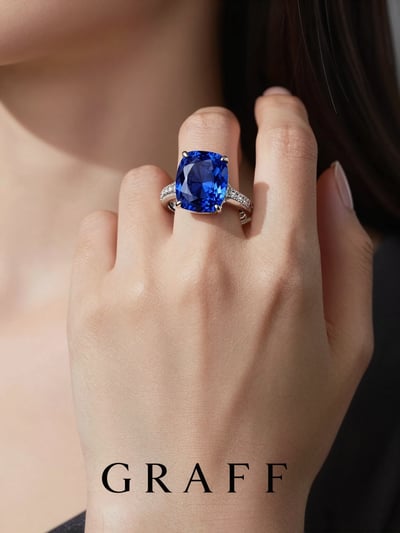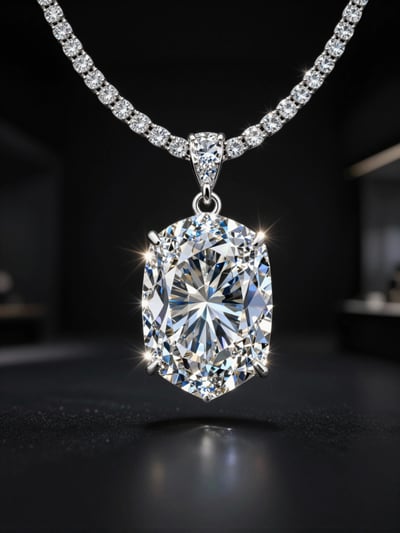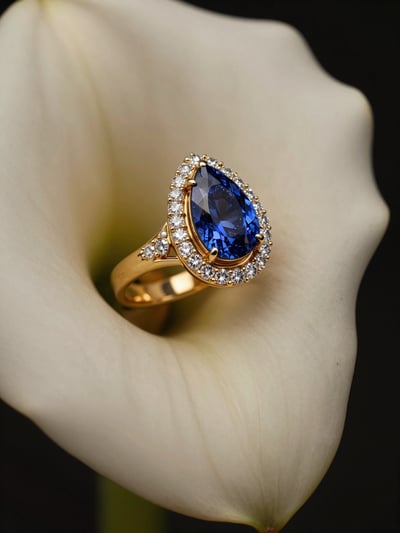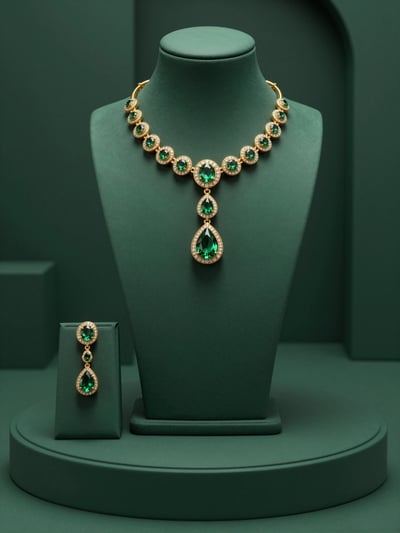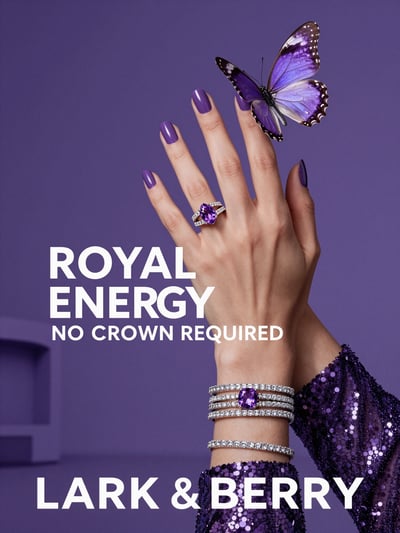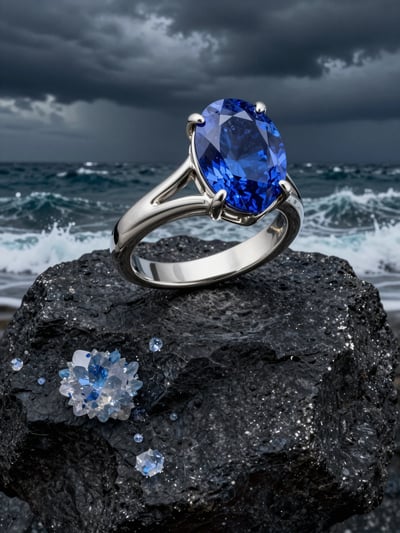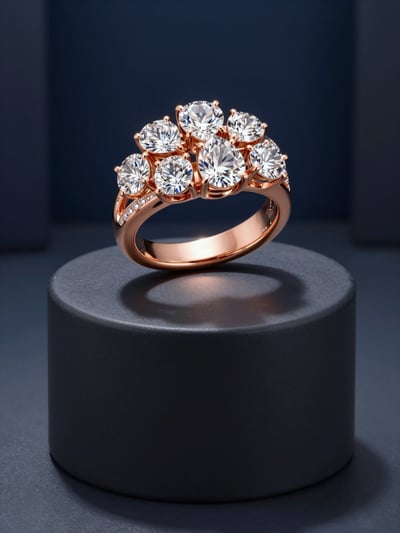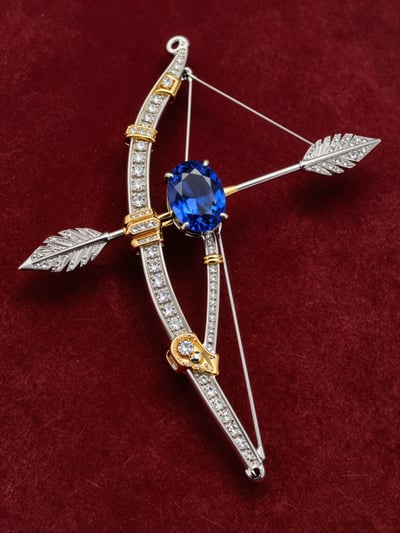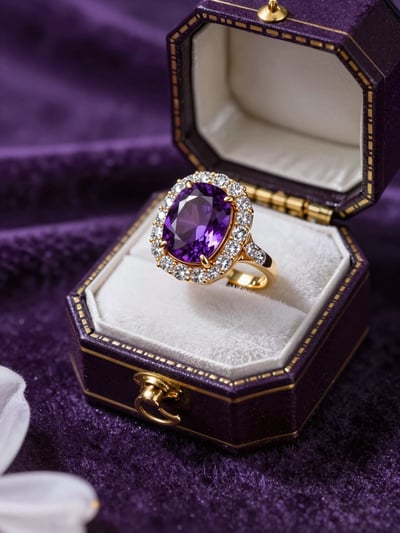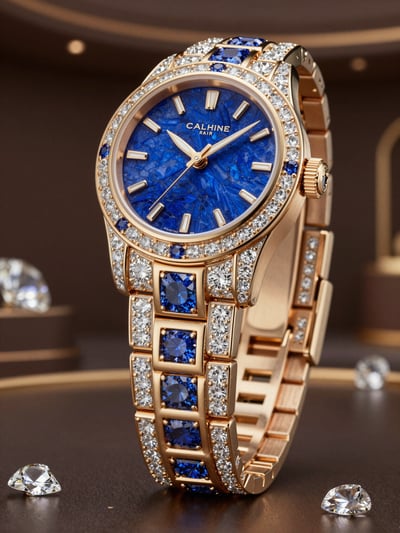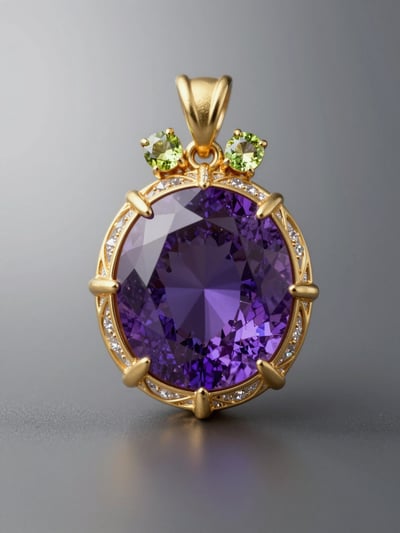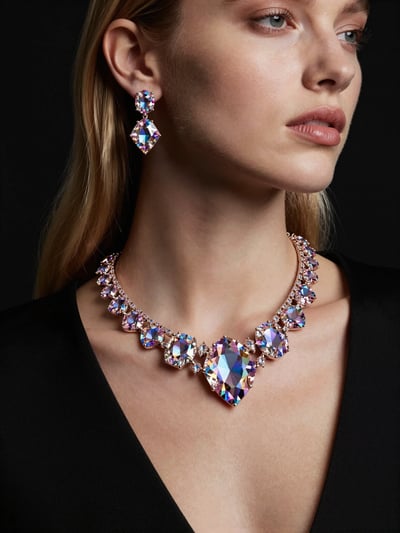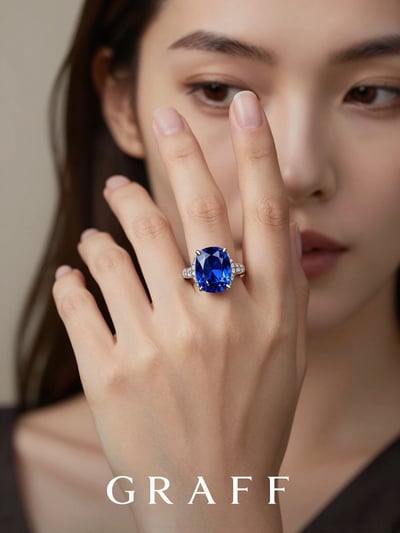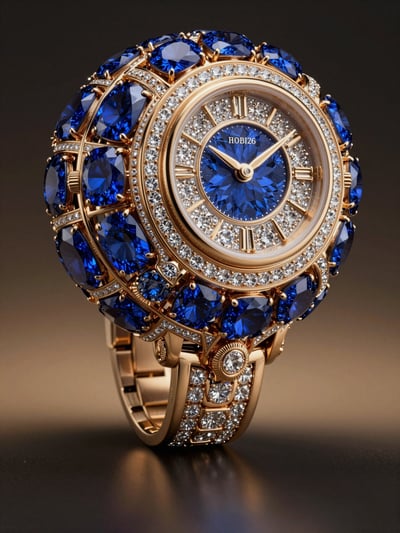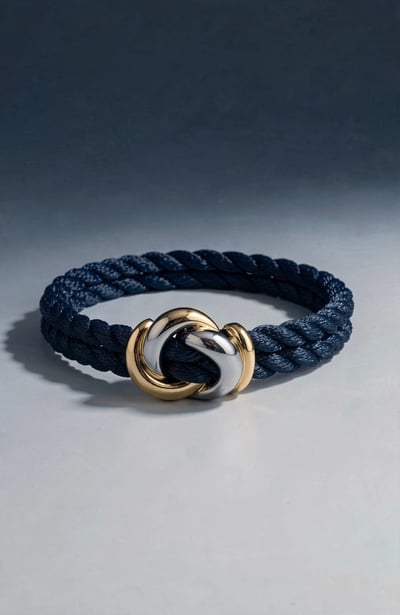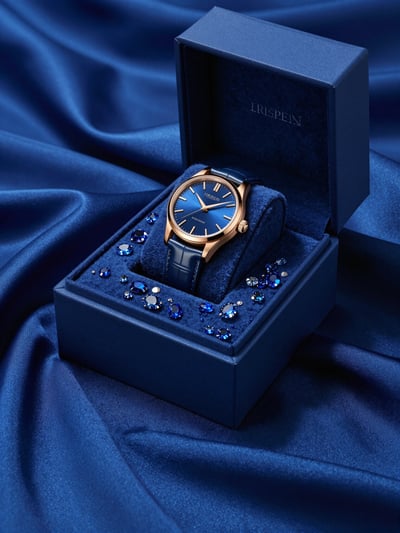
Luxury Jewelry Editorial Mockup
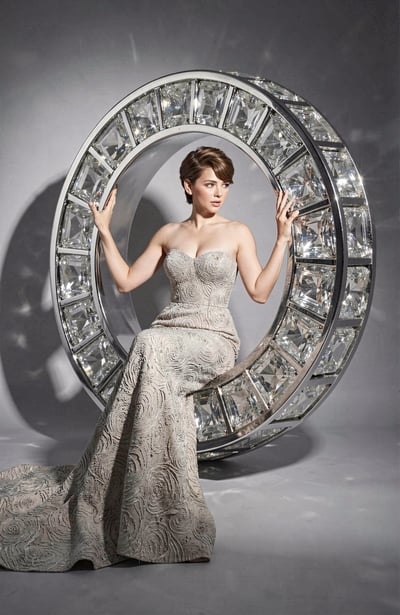
Generate a hyper-realistic image of a woman in a luxurious, floor-length, strapless gown made of intricate, textured…
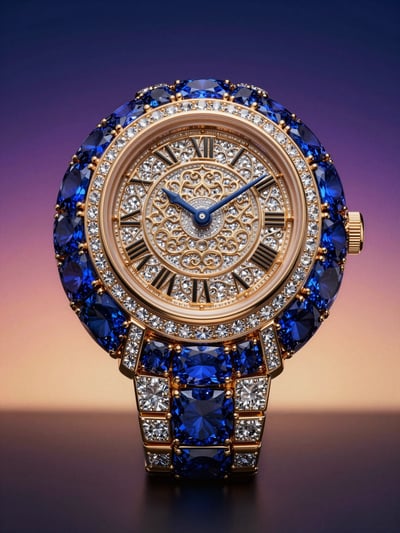
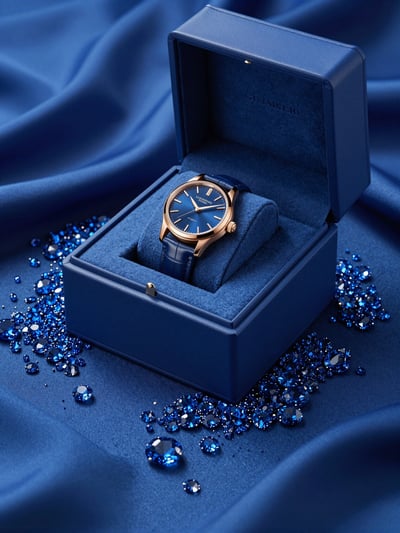
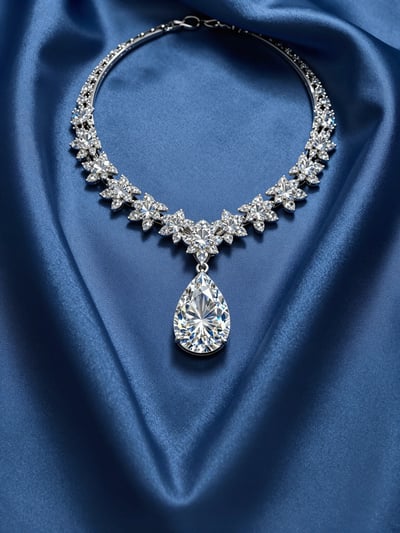
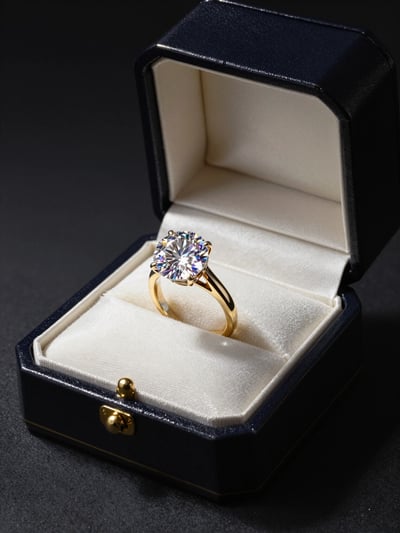
Explore Jewelry & Watches ideas created with AI by the pixPLace community. This collection belongs to Fashion & Beauty and brings together images and videos made with modern AI models, each with the prompt behind it. Open any post to see how it was made, copy the prompt, remix it in the AI Studio and share your own Jewelry & Watches work with the community.
192 creations
Generate a hyper-realistic image of a woman in a luxurious, floor-length, strapless gown made of intricate, textured…
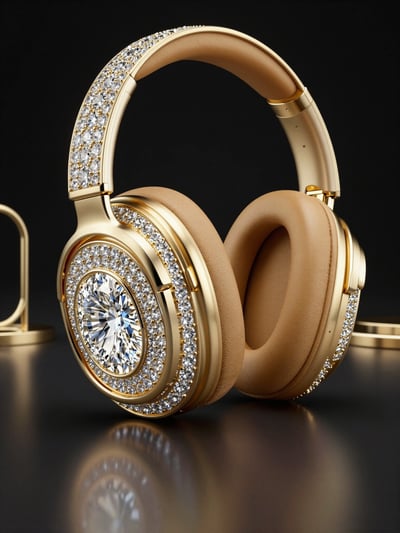
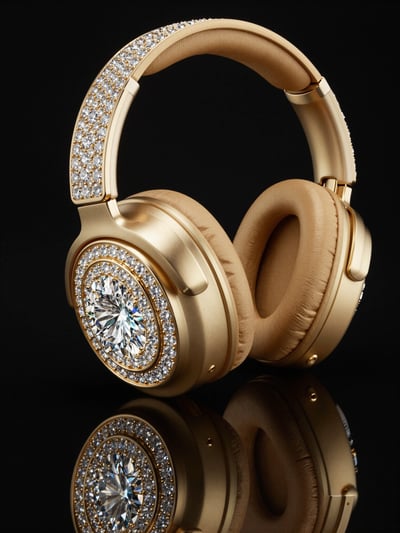
Generate a hyper-realistic image of luxurious gold headphones adorned with numerous diamonds and a large central…
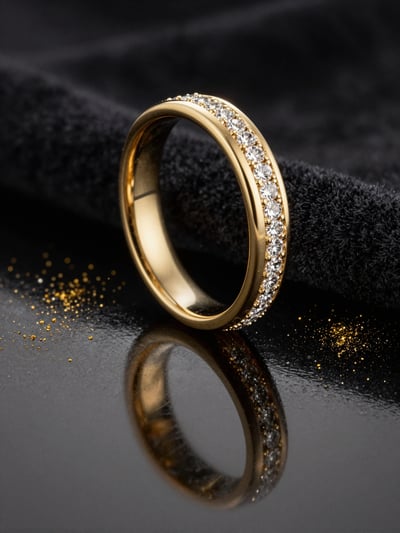
Generate a hyper-realistic image of a luxurious gold wedding band with diamonds on a black velvet background,…
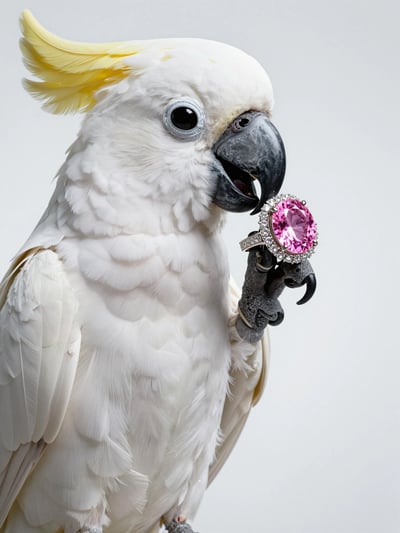
Generate a hyper-realistic studio photograph of a white cockatoo parrot in close-up profile view, showcasing its…
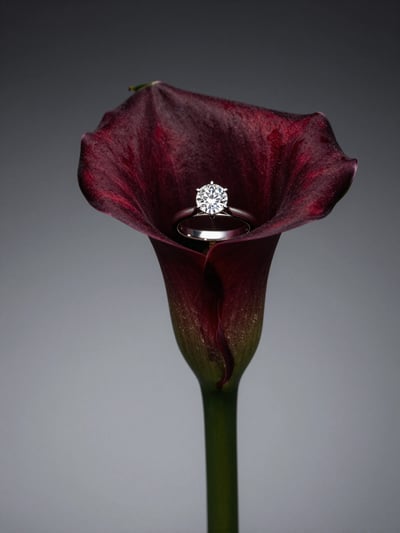
Generate a hyper-realistic image of a diamond ring nestled within the dark red, velvety petals of a calla lily flower,…
Jewelry & Watches on pixPLace is a collection of AI-generated images and videos in the Fashion & Beauty group. It currently holds 192 public creations. Jewelry and watches: rings, necklaces, bracelets, earrings and diamonds. Gemstones, engagement rings and luxury timepieces.
Typical scenarios: jewelry, jewellery, watch, engagement ring, wedding ring and necklace. People come here to collect references for a project, to copy a prompt that already works, and to build a moodboard they can show a client or a team.
Every post keeps the prompt behind it and the media itself. Use Image, Use Prompt and Extract Frame send a reference to the pixPLace Studio in one click, so you can generate your own version instead of starting from a blank page. Open a post to see how it was made and what to change.
Jewelry & Watches is one of the 32 niches of pixPLace and belongs to Fashion & Beauty. It groups AI-generated images and videos together with their prompts, so you can browse ideas, references and prompts for this topic in one place.
Open a post and pick an action. Use Image opens the picture in the pixPLace Studio as a reference, Use Prompt opens the Studio with the prompt already filled in, and on videos Extract Frame turns a frame into an image reference. Which actions you see depends on the post and on what its author allows.
Yes. The pixPLace Studio at app.pixplace.space generates AI images and videos from a prompt, with or without a reference. Start from any post in this niche and the reference or the prompt is carried over, so your version begins where the original ended.
Posts in this niche show their prompt when the author has shared it. Open a post, copy the prompt, or send it straight to the Studio with Use Prompt. Some posts have no prompt, and those show none.
Publish it on pixPLace from the Upload page and choose the Jewelry & Watches category. Public posts with media in that category appear in this niche, and the community can then use them as references.